Three identifiers support one product record
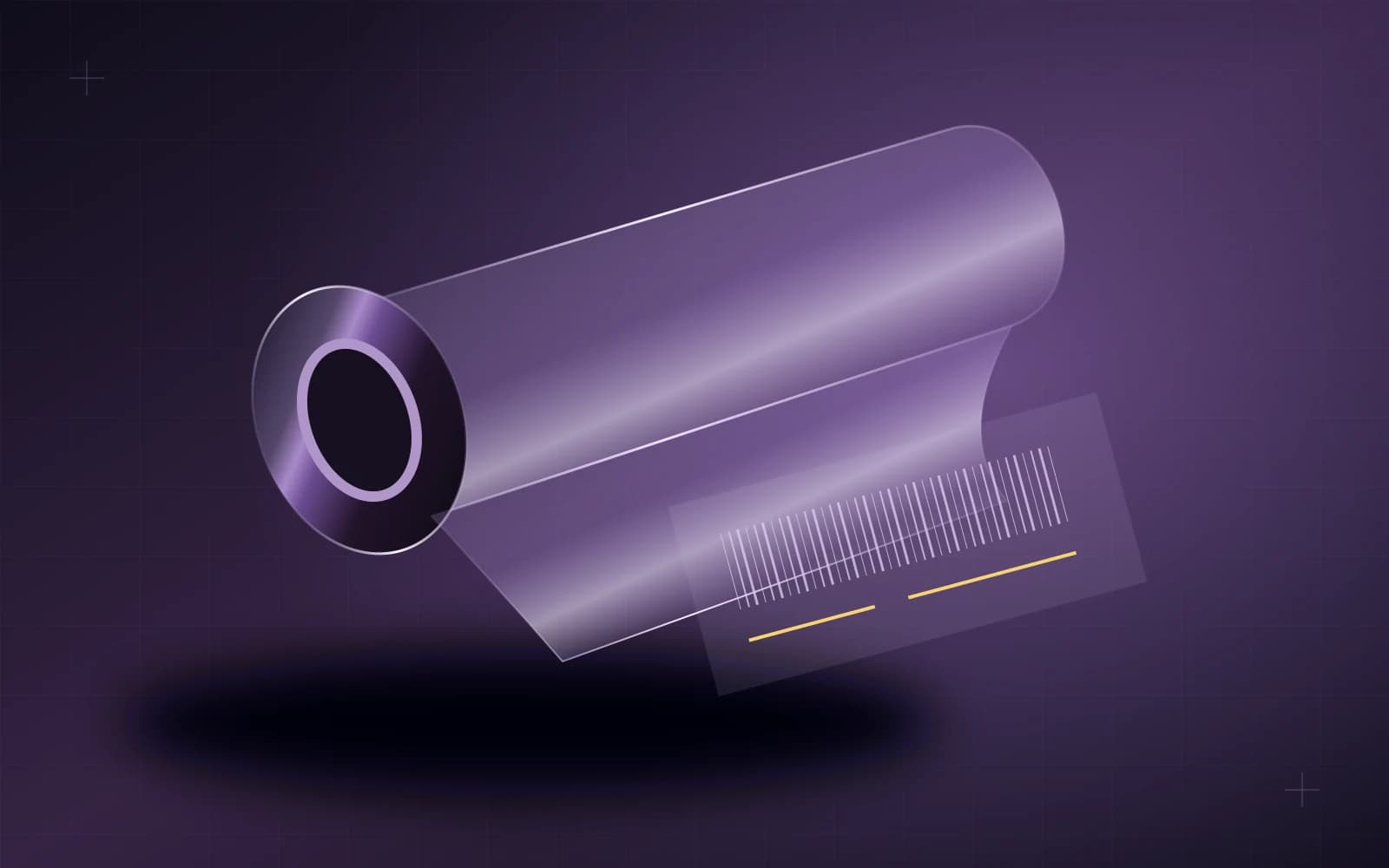
A visible serial number, a Code128 barcode and a QR code can appear on the same product label, but they do different jobs. The serial provides a readable product identity. Code128 makes that serial easier to capture with a suitable scanner. The QR code opens the public verification route associated with a separate secure token.
Understanding that distinction helps owners and professionals use the system correctly. It also prevents a common mistake: treating any scannable square or a familiar-looking label as complete proof of authenticity. The useful evidence is the connection between the physical material, its identifiers and the official record being checked.
What each element is for
| Label element | Role in the VIVID system | What the reader should understand |
|---|---|---|
| Visible serial | Human-readable roll identity | Can be read and compared with the record |
| Code128 barcode | Scanner-readable serial payload | Captures the serial identity efficiently |
| Public QR code | Link using a separate secure token | Opens the official public verification route |
| Public record | A limited verification view | Shows the information approved for public display |
The QR token is not the same as the printed serial. It should not be reconstructed from the serial or replaced by an invented sequential link. The existing VIVID identity system keeps those functions separate.
Why a readable serial still matters
A serial is useful when a person needs to compare a label, invoice reference or installation record without a scanner. It gives the conversation a specific identity. Instead of asking about an unnamed roll of film, an installer can refer to the exact printed serial.
Read it carefully and preserve the characters as printed. A technical identifier should not be translated, reformatted for appearance or altered because a similar-looking character seems more natural. Small transcription differences can cause a lookup to refer to nothing or to the wrong record.
A serial by itself is not an unlimited authenticity guarantee. A number can be copied onto a label. The useful check relates the physical item to the official record and the surrounding purchase or installation documentation.
What the barcode adds
Code128 represents the serial in a machine-readable format. A suitable scanner can capture it without manual typing, which is helpful when handling rolls or looking up records. The barcode is therefore another representation of the same serial identity, not an additional secret credential.
A successful scan means the symbol could be read. It does not independently prove that the physical film is authentic, that a product is covered by a warranty or that the installation was performed correctly. Those conclusions require the appropriate record and context.
If the scanned serial differs from the visible text, stop and have the discrepancy checked. Do not correct the label yourself or choose whichever value seems more convenient. Preserving the original information is important to resolving the mismatch.
What the QR code adds
The public QR route uses a separate random token to retrieve the public verification record. Its purpose is to make the appropriate record accessible without publishing private operational data or asking an ordinary visitor to sign into an internal account.
Before relying on the result, inspect the destination. A copied visual design on an unrelated website is not the official VIVID system. Start from the public VIVID verification page if there is uncertainty, and compare the visible serial and product information with the material and documentation in front of you.
Do not enter an operational password into a page reached from an unfamiliar label. Public verification is a public reading experience. A QR code should not be treated as authorization to approve a payment, change inventory or disclose customer information.
A practical verification sequence
- Inspect the physical label and keep the product or roll available.
- Read the visible serial and the exact product name.
- Scan the QR code and confirm that the destination belongs to the official VIVID service.
- Compare the public record with the label and the expected product.
- Read the displayed status and any explanation carefully.
- Retain the appropriate purchase or installation documentation.
- Ask the supplying professional to resolve a mismatch before proceeding.
The sequence combines several pieces of context. No single visual feature of a label substitutes for checking the record. Likewise, a record that exists does not prove that any material bearing a copied label is the original item.
Read only what the record actually says
A verification page may communicate product identity and a public status. Those fields should be read as displayed, with their accompanying explanation. Do not infer an installation, warranty entitlement or a payment state from a serial existing in the system.
If the record cannot be found or is temporarily unavailable, keep the label and contact the supplying professional through a trusted channel. Avoid guessing a corrected token, trying nearby serials or altering the identifiers. A failed lookup is a reason to investigate, not a reason to invent a result.
Where a status indicates that an item needs attention, follow the displayed guidance. This guide does not replace the system's actual status wording or establish a new policy for written-off, damaged or otherwise exceptional records.
Public verification should protect privacy
A public authenticity check does not need to expose a customer's complete private details, internal notes, costs or private evidence images. VIVID's public view is deliberately limited and privacy-masked. Less public information can be the correct design when the task is verification rather than internal administration.
Do not publish screenshots containing sensitive operational information to prove a product's identity. Use the approved public record and share only what is necessary for the issue being discussed. If more investigation is required, it belongs in the authorized professional or administrative workflow.
Connect identity to the right product choice
Verification helps establish which documented product record is being consulted. It does not change that product's physical claims. PRO remains the 7.5 mil clear high-gloss construction; PRO MAX remains the 8.5 mil clear high-gloss construction. A valid record does not create an undocumented finish variant or a new performance guarantee.
A scan is one step in verification. Compare the official record, physical label and purchase or installation context; copied identifiers can still be attached to unrelated material.
Use the verification page, retain the material identity with the installation record and ask a professional to resolve discrepancies. For the next step in material selection, read What Is PPF? or PRO vs PRO MAX.